Dyads
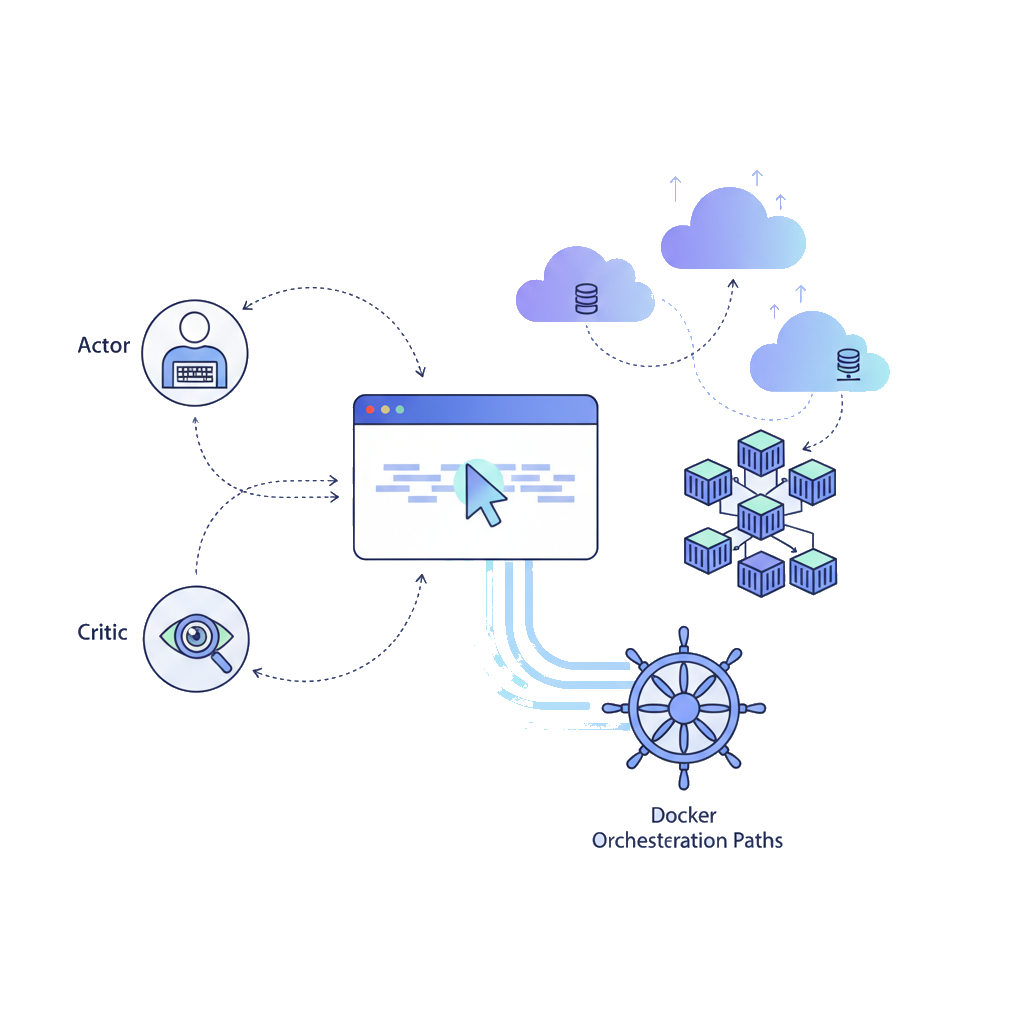
This repo supports running a paired actor + critic “dyad” in Docker. The critic runs a closed loop that:- starts (or recovers) an interactive Codex session for the critic and the actor inside
tmux - sends prompts via
tmux send-keys - waits for a delimited work report between
<<WORK_REPORT_BEGIN>>and<<WORK_REPORT_END>>(and has a tolerant fallback for Codex-native output) - persists artifacts under
.si/dyad/<dyad>/reports/in the workspace
/root/.si/TASK_BOARD.md(host path:~/.si/TASK_BOARD.md)
Requirements
- Docker available on the host
tmuxinstalled in both containers (included inaureuma/si:local)- A logged-in
si loginprofile for real Codex runs (or use the offline fake Codex flow below)- If Codex launches the “Welcome to Codex” sign-in screen, the dyad loop will halt and log an auth-required message.
Use
si dyad peek <dyad>to complete login inside the runningtmuxsession, then restart the dyad loop.
- If Codex launches the “Welcome to Codex” sign-in screen, the dyad loop will halt and log an auth-required message.
Use
- If Docker is root-only on your host, run
si dyad ...as root and setSI_HOST_UID/SI_HOST_GIDso artifacts are owned by your user. - The
siCLI is installed inside dyad containers (same image as Codex containers), so you can runsi vault ...or othersisubcommands viasi dyad exec.
Loop Control Files
Dyad loops are controlled via files under.si/dyad/<dyad>/:
.si/dyad/<dyad>/control.pause: pause the loop (polls everyDYAD_LOOP_PAUSE_POLL_SECONDS, default 5s).si/dyad/<dyad>/control.stop: stop the loop cleanly
Continue Loop: no, the dyad loop will also remain stopped across restarts/recreates.
Spawn + Inspect
Spawn a dyad:Peek Into Running Sessions (tmux)
To “peek” into the running interactive Codex sessions (even mid-turn):tmux sessions are per-user. If you run si dyad peek under sudo, you’ll need to attach/list those sessions as the same user.
Flags:
--member actor|critic|both(defaultboth)--detachedto create the hosttmuxsession without attaching--session <name>to override the host peek session name
- actor (inside actor container):
si-dyad-<dyad>-actor - critic (inside critic container):
si-dyad-<dyad>-critic
Enforcement: Interactive Only + Strict Parsing
The critic loop is designed to drive interactive Codex sessions intmux (not codex exec).
By default, it uses tolerant work-report parsing to work with real Codex output (which can omit explicit markers even when the content is correct). You can force strict parsing:
DYAD_LOOP_STRICT_REPORT=1- reports must be delimited by the markers above
- actor reports must include the expected section headers (
Summary/Changes/Validation/Open Questions/Next Step for Critic) - critic output is treated as a free-form message to the actor (must be non-empty and not Codex UI chrome)
- if Codex returns to a ready prompt without a delimited report, the turn fails fast and retries
- the actor only receives the critic’s generated message (verbatim)
- the critic only receives the actor’s work report (no injected template per turn)
tmux Titles
Dyad tmux windows/panes are labeled with emojis:🪢 <dyad> 🛩️ actor🪢 <dyad> 🧠 critic
DYAD_CODEX_START_CMD. It rejects codex exec to keep dyads interactive-only.
Tuning
Useful environment variables (set on the host beforesi dyad spawn, or passed into the critic container):
DYAD_LOOP_TURN_TIMEOUT_SECONDS: per-turn timeout (default900)DYAD_LOOP_RETRY_MAX: retries per actor/critic turn (default3)DYAD_LOOP_TMUX_CAPTURE:mainoralt(defaultmain)DYAD_LOOP_TMUX_CAPTURE_LINES: capture last N lines from tmux (default8000)DYAD_LOOP_PROMPT_LINES: prompt readiness scan depth (default3)
Offline Smoke Tests (No Codex Auth)
If you want to validate tmux + parsing + turn-taking without Codex auth, you can run the dyad loop againsttools/dyad/fake-codex.sh.
Example: